











Learn how to implement Tailwind CSS in the Payload CMS 3.0 admin panel with this step-by-step guide, enabling you to create responsive and visually appealing UI components.
Learn how to self-host a Payload NextJS project with MongoDB on Coolify for cost-efficient, GDPR-compliant deployments with complete control over your data and improved performance.
A comprehensive guide to implementing a multi-server Coolify setup for hosting Payload NextJS applications, offering an efficient and scalable solution for managing diverse projects from a single control point.
A comprehensive guide to building modern dynamic websites using Payload CMS and NextJS, featuring detailed instructions for implementing TailwindCSS, creating dynamic page collections, and developing reusable layout components with TypeScript support.
Learn how to configure MongoDB Atlas database and Supabase S3 file storage for Payload NextJS projects, providing essential foundations for building powerful and efficient dynamic web applications.
Learn how to build modern dynamic websites by combining Payload CMS Version 3 with Next.js, leveraging TypeScript and Tailwind CSS for enhanced development workflows suitable for both beginners and experienced developers.
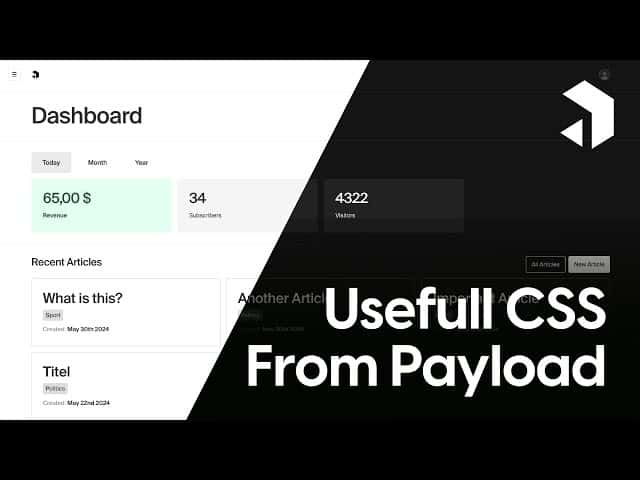
Discover how to leverage Payload CMS's built-in CSS classes alongside Tailwind CSS to create cohesive, theme-aware designs that seamlessly adapt to both light and dark modes while streamlining your development workflow.
Learn how to deploy Payload CMS using Coolify, an open-source self-hosted alternative to Vercel and Railway that gives you full control over your server while maintaining excellent developer experience.
Learn how to enforce consistent light or dark mode in your PayloadCMS backend by implementing a custom theme provider and hiding user theme toggle settings in NextJS applications.
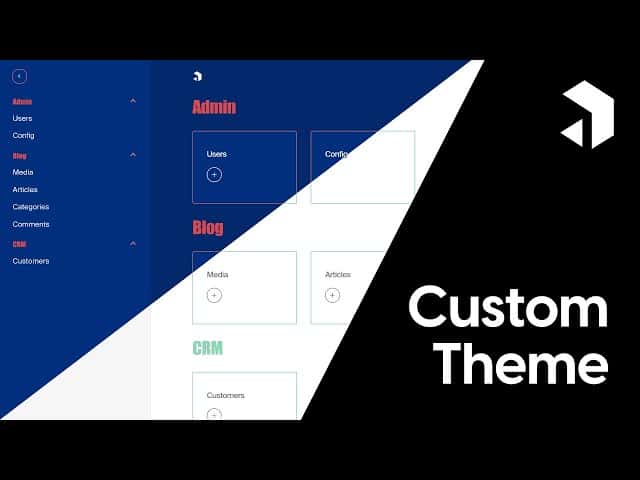
Learn how to enhance your PayloadCMS project with a tailored theme that reflects your brand identity, improves user experience, and showcases functionality through custom styling and dynamic elements.
Continue building your own URL shortener with enhanced tracking features in Payload NextJS, adding empty day fixes, hourly breakdown charts, and user agent tracking to improve link analytics visualization.
Learn practical strategies to eliminate cold start delays when running Payload NextJS on Vercel, ensuring responsive serverless applications even after periods of inactivity.
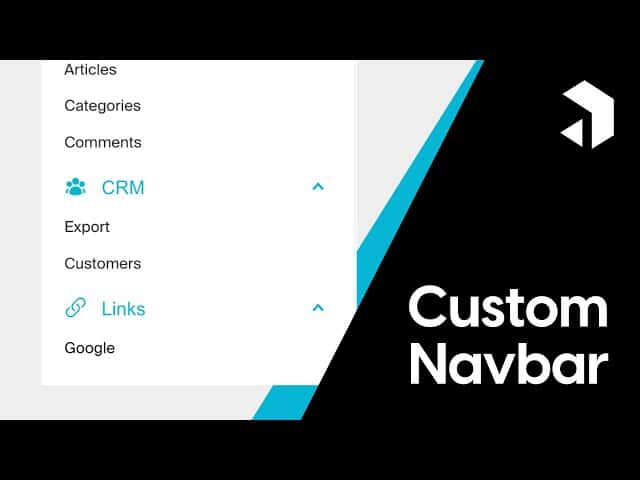
Learn how to create a custom navbar in Payload CMS using Tailwind CSS, enhancing user experience with custom styling, icons, and dynamic links through comprehensive code examples and practical implementation steps.
A comprehensive tutorial exploring Payload CMS V3 Beta with Next.js integration, showcasing the powerful new features and providing step-by-step guidance to build a modern, type-safe blog application with improved developer experience.
Learn how to build your own Bitly-style link tracking system using Payload CMS and Next.js, complete with charts and custom redirect routes.
Learn effective strategies for keeping your Payload CMS backend and Next.js frontend in sync through Server-Side Rendering, Incremental Static Regeneration, and Static Site Generation approaches.
Learn how to integrate shadcn-ui with Payload NextJS in this comprehensive guide covering setup, configuration, and troubleshooting of common style conflicts.
Learn how to seamlessly integrate Tailwind CSS into your existing Payload NextJS project with this step-by-step guide, enhancing your CMS with powerful utility-first styling capabilities.
Learn how to build multilingual websites by implementing internationalization with Payload CMS and Next.js, allowing you to create dynamic pages that seamlessly deliver content in multiple languages while maintaining a flexible, scalable architecture.
Learn how to integrate Google authentication into your iOS Capacitor application with PayloadCMS through this comprehensive step-by-step guide, enabling secure and seamless login functionality for your mobile users.
Learn how to efficiently manage global website data in Payload CMS and Next.js to create dynamic components like headers, footers, and latest content sections that appear consistently across your entire site.
Learn how to auto-generate static pages from Payload CMS collections in NextJS using both simple and advanced approaches to enhance website performance while maintaining dynamic content capabilities.
Learn how to integrate Google authentication with a Payload CMS backend and a Next.js frontend, creating a secure and seamless login experience.
Learn how to create dynamic pages and blocks while setting up a complete project environment with Payload CMS and NextJS in this comprehensive guide suitable for both beginners and experienced developers.
Learn how to combine Payload CMS and NextJS to build dynamic, modern websites with this step-by-step developer’s guide.
This comprehensive guide walks you through implementing Google OAuth authentication for your Payload CMS admin panel, offering a secure and streamlined login experience as part of our authentication methods series.
A comprehensive guide to migrating complex Payload CMS projects from version 1.0 to 2.0, covering database configuration, custom views, and UI adjustments to ensure a smooth transition process
Learn how to upgrade your Payload CMS NextJS project from version 1.0 to 2.0, gaining access to improved UI components and enhanced functionality through this comprehensive migration guide.
Learn how to leverage Payload CMS's powerful Drawer component for seamless document creation and editing directly within your custom components, enhancing user experience without disrupting application flow.
Learn how to create custom toast notifications in Payload CMS using React Toastify to enhance user experience and provide better feedback in your NextJS applications.
Learn how to implement and customize Payload CMS button components with various styles, icons, and linking capabilities to enhance your NextJS project's user interface.
Learn how to build a powerful custom dashboard with Payload CMS and NextJS in this comprehensive tutorial with code examples and implementation tips.
Learn how to integrate S3 object storage with Payload CMS in this fourth tutorial, covering bucket setup on Linode, environment configuration, storage adapter implementation, and file upload testing.
We'll explore how Payload NextJS can improve UX by pre-filling form values, saving time and streamlining document creation.
In the third part of our Payload NextJS tutorial series, we'll cover dynamic environment variables, Webpack adjustments, and setting up authentication between front-end and back-end.
This is the second part of a 3-video tutorial, covering the setup of Payload CMS with MongoDB Atlas, including project creation, access control, and starting the development server.
We'll guide you through setting up Payload CMS, from MongoDB Atlas initialization to deployment on Railway.
This article explores integrating MongoDB Atlas Search into a Payload NextJS project to enhance performance and flexibility with large datasets.
Learn how to customize your Payload NextJS admin panel with custom colors, styles, and logos in this guide.
This is the written guide for our dynamic website tutorial series (Part 3)
Receive updates about Payload and interesting projects in the ecosystem every other week.